
A slow website loses customers before they read a word. This matters even more in Pakistan, where most visitors browse on mobile data. Google also uses page experience signals, including Core Web Vitals, as part of how it evaluates pages (Google Search Central). Here is what the metrics mean and what to fix first.
The three Core Web Vitals
| Metric | What it measures | Good score |
|---|---|---|
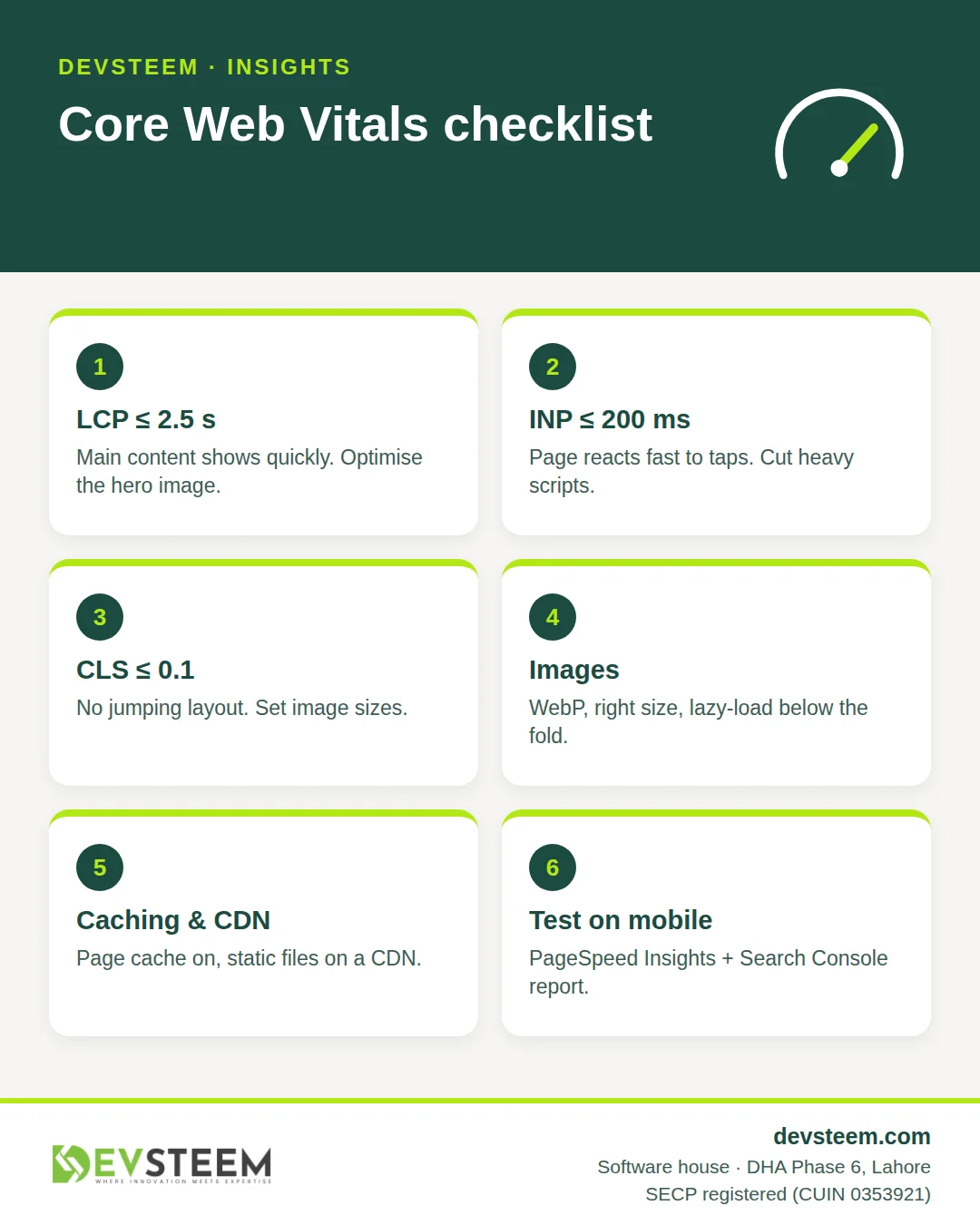
| LCP (Largest Contentful Paint) | How quickly the main content appears | 2.5 seconds or less |
| INP (Interaction to Next Paint) | How quickly the page responds when you tap or click | 200 milliseconds or less |
| CLS (Cumulative Layout Shift) | How much the page jumps around while loading | 0.1 or less |
These thresholds come from web.dev.
How to test your site
- Open PageSpeed Insights and enter your URL.
- Look first at the mobile results.
- The top section shows real-user data (if your site has enough visitors); the lower section shows a lab test with specific suggestions.
- In Google Search Console, the Core Web Vitals report groups your slow pages.
The checklist
Images (the biggest win on most sites)
- Convert large PNG and JPEG images to WebP or AVIF.
- Resize images to the size they display at; don’t upload a 4000-pixel photo for a 400-pixel box.
- Lazy-load images below the first screen, but not the main hero image.
- Always set width and height so the page doesn’t jump (fixes CLS).
Hosting and caching
- Use hosting with servers close to your visitors and enough resources for your traffic.
- Turn on page caching (for WordPress, plugins such as LiteSpeed Cache or WP Rocket).
- Use a CDN for images, CSS and JavaScript.
Code and plugins
- Remove plugins and scripts you don’t use. Each one adds weight.
- Delay non-essential JavaScript such as chat widgets and some tracking scripts.
- Minify and combine CSS and JavaScript where it is safe.
- Avoid heavy sliders and auto-playing videos on the homepage.
Fonts
- Use two font families at most, and only the weights you need.
- Host fonts locally or preload them, and use `font-display: swap`.
Layout stability
- Reserve space for ads, embeds and banners.
- Don’t inject cookie bars or pop-ups that push content down.
Quick wins vs bigger projects
| Quick wins (a day or two) | Bigger projects |
|---|---|
| Compress and convert images | Move to better hosting |
| Turn on caching | Replace a heavy theme or page builder |
| Remove unused plugins | Rebuild key templates |
| Delay chat and tracking scripts | Move to a headless or custom front end |
Why speed is a business issue
A faster site means more people stay, read and contact you. Google’s own research has shown that the probability of a mobile visitor leaving rises as page load time increases (Think with Google). Speed work is one of the few changes that helps both SEO and sales at the same time.
Need help?
Speed optimisation is part of every website we build and our maintenance plans. See our web development service or read WordPress vs custom website if you are considering a rebuild.
FAQ
Do I need a perfect 100 score? No. Aim for “good” on the three Core Web Vitals for real users. A lab score of 100 is nice but not required.
Will a faster site rank first on Google? Speed alone won’t beat better content, but a slow site can hold good content back.