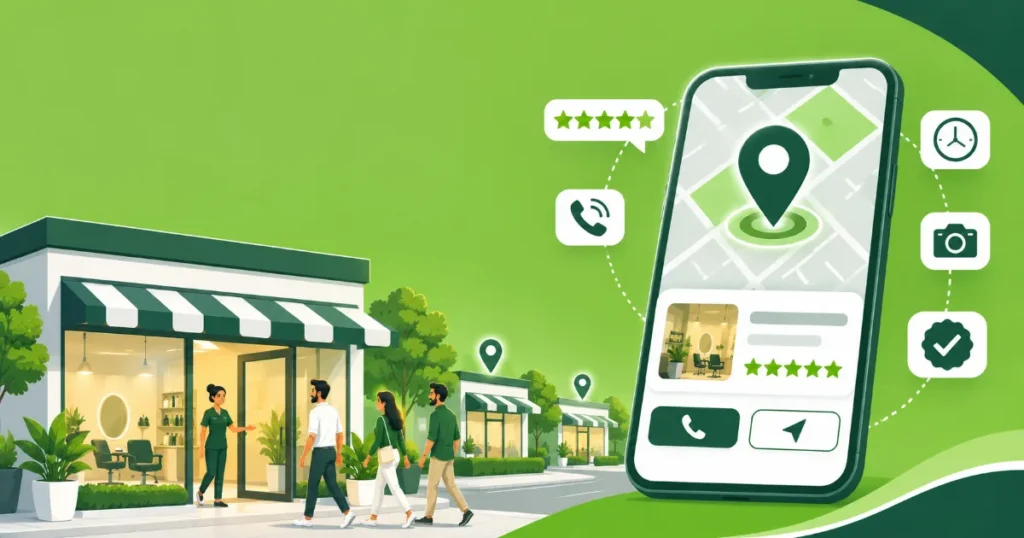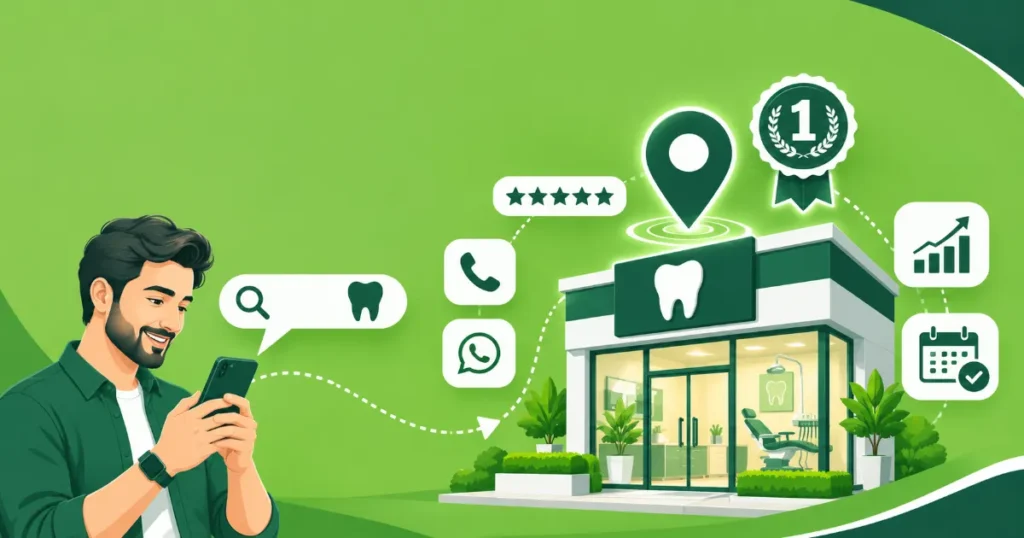
When people in Lahore, Karachi or Islamabad search “pharmacy near me” or “salon in Gulberg”, Google shows a map with three businesses before any website. Those listings come from Google Business Profile (formerly Google My Business). It is free, and for many local businesses it brings more calls than their website. Here is how to set it up properly.
Step 1: Check if your business already exists
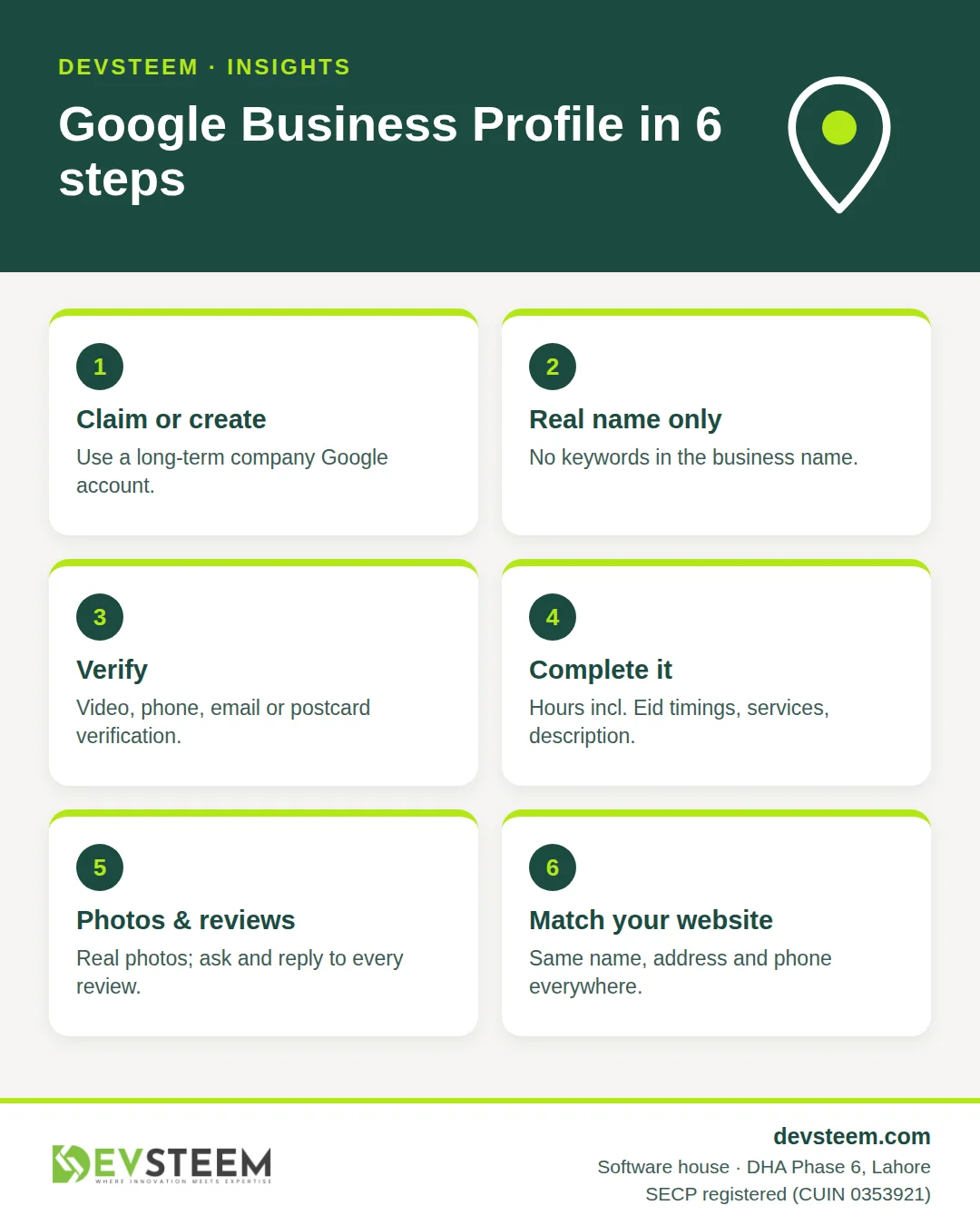
Search your business name on Google Maps. Sometimes a profile already exists, created by a customer or by Google. If it does, click “Own this business?” to claim it. If not, go to google.com/business and create one with a Google account you will keep long term (ideally a company email, not a personal one).
Step 2: Enter your details correctly
- Business name: your real name as it appears on your shop sign or documents. Adding keywords (“Best Dentist Lahore”) breaks Google’s guidelines and can get the profile suspended.
- Category: choose the most specific primary category, for example “Dental clinic” rather than “Health”. Add a few secondary categories for other services.
- Address: use the full address with building, block or phase, and area. If you serve customers at their location and have no shopfront, hide the address and set a service area.
- Phone and website: use the same phone number that is on your website and other listings.
Step 3: Verify the profile
Google verifies that the business is real. Depending on the business, options include video verification, phone or SMS, email, or a postcard. Follow the instructions in your dashboard; video verification usually means showing your signage, the inside of the premises and something that proves you manage the business.
Step 4: Complete everything
Complete profiles get more views. Fill in:
- opening hours, including special hours for Eid and public holidays
- services or products with short descriptions and prices if you like
- a business description (up to 750 characters) written for customers
- attributes such as “Wheelchair accessible” or “Women-led”
- your WhatsApp or booking link where available
Step 5: Add real photos
Upload your logo, a cover photo, the outside of the building (so people can find you), the inside, your team and your work. Real photos help customers trust you; stock images do not.
Step 6: Get reviews and reply to them
Google says local ranking is based on relevance, distance and prominence, and reviews are part of prominence (Google Business Profile Help).
- Ask every happy customer. Share your review link on WhatsApp right after the visit.
- Reply to every review politely, in English or Urdu as the customer wrote.
- Never buy reviews or offer discounts for reviews; it breaks Google’s policies.
Step 7: Post updates
Posts show on your profile in search. Share offers, new services, events and holiday timings once or twice a month.
Step 8: Connect it to your website
Your website should show the same name, address and phone number, embed a Google Map, and use LocalBusiness schema. Consistent details across your site, Google, Facebook and directories help Google trust your listing. Our digital marketing team sets this up as part of our marketing packages.
Common mistakes we fix
| Mistake | Fix |
|---|---|
| Keywords stuffed into the business name | Use the real name only |
| Different phone numbers on Google, website and Facebook | Pick one main number everywhere |
| Wrong pin location on the map | Drag the pin to the exact entrance |
| No reply to negative reviews | Reply calmly, offer to resolve offline |
| Profile created on an ex-employee’s Gmail | Transfer ownership to a company account |
FAQ
Is Google Business Profile free? Yes. Google may show ads on and around it, but creating and managing the profile costs nothing.
How long until I appear in the map results? Once verified, your profile can appear within days. Ranking higher takes consistent reviews, photos and accurate information over weeks and months.
Can a home-based or online business create a profile? Service-area businesses can, with the address hidden. Purely online businesses with no customer contact are not eligible.